How do I enable the function keys?Updated 3 months ago
The Keyboard's function keys are defaulted to the "media" buttons and will need to be manually changed in order to act as F1-F12 keys.
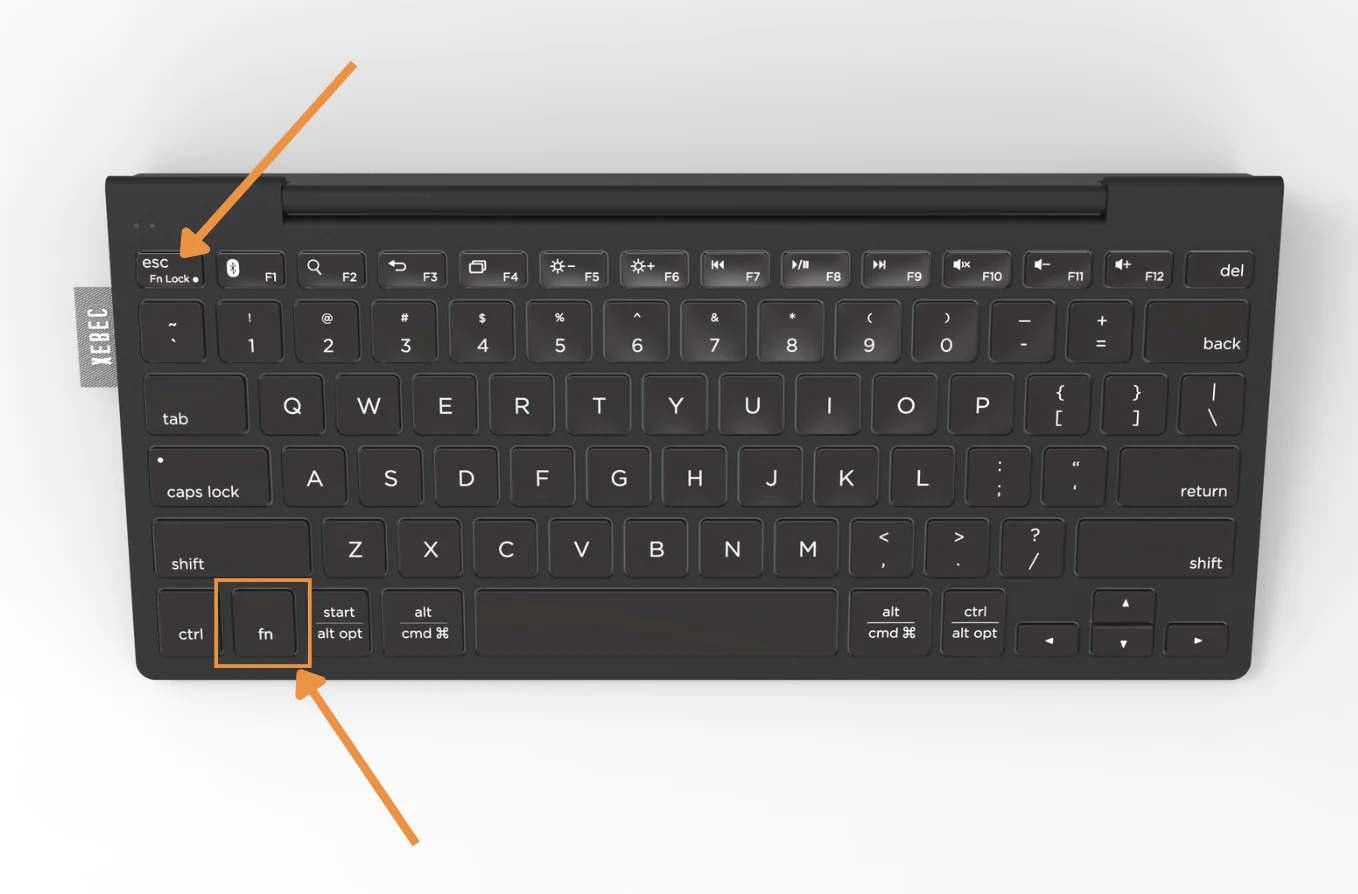
This can be accomplished by pressing the Fn button on the bottom of the keyboard while pressing the function key you wish to use.
If you wish to lock the function keys so they default to the F1-F12, you can press Fn + Fn Lock to do so.