How do I charge the PowerBank?Updated 3 months ago
The PowerBank comes with a USB-C to USB-C charging cable.
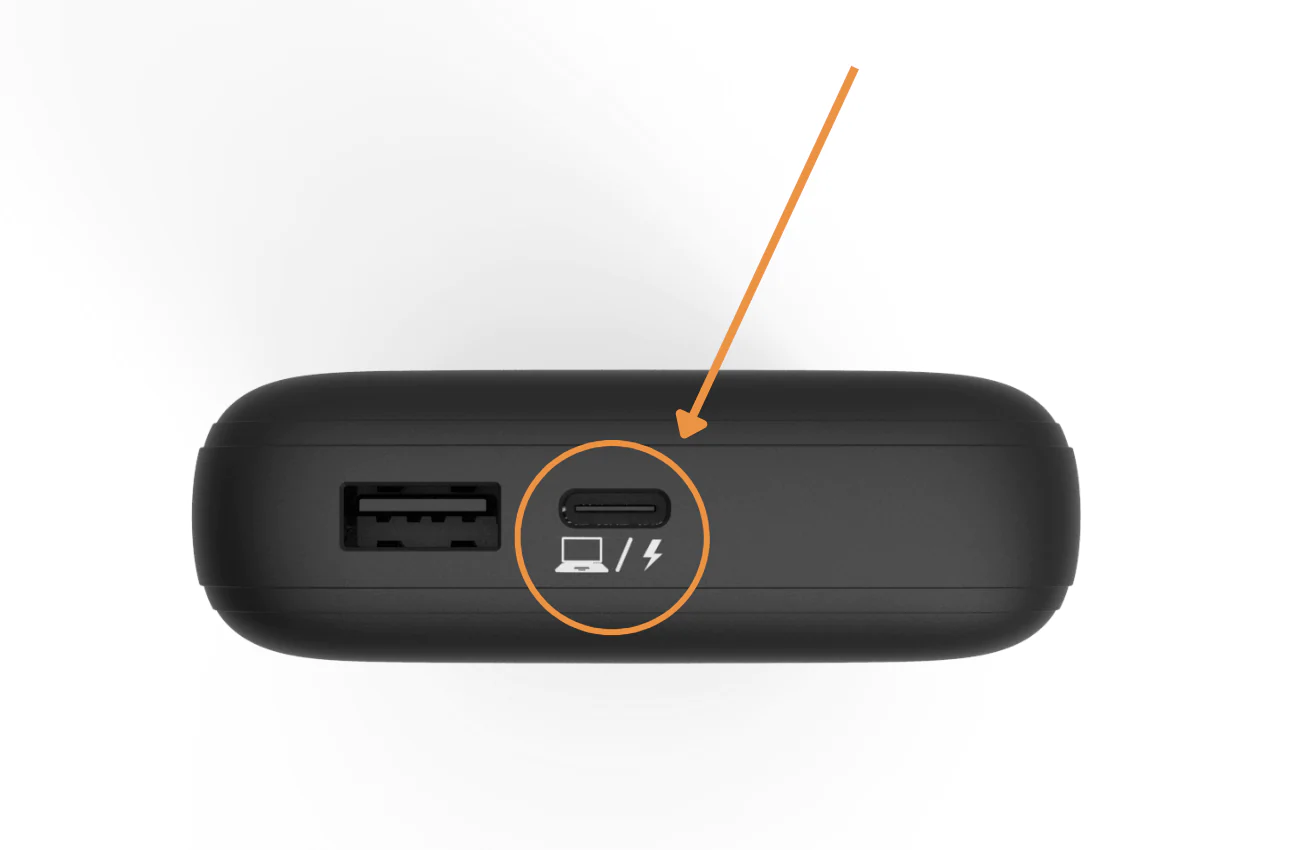
This cable will connect to the USB-C port located on the bottom of The PowerBank in order to charge. You can plug the other end into any USB-C compatible laptop charger or power brick.
Note: You cannot charge The PowerBank from your laptop, as the PowerBank can only push power to the laptop itself.