How do I apply the AirStand?Updated 10 days ago
🌴 Free Yourself Week: July 1 to July 7
Our team is taking a well deserved break for Free Yourself Week. During this time, live support and setup assistance will be unavailable. If you don't find the answer you're looking for in this article, feel free to submit a support request. We'll be back on Tuesday, July 8, and will respond to all messages as quickly as possible.
Installing The AirStand on your laptop is very simple!
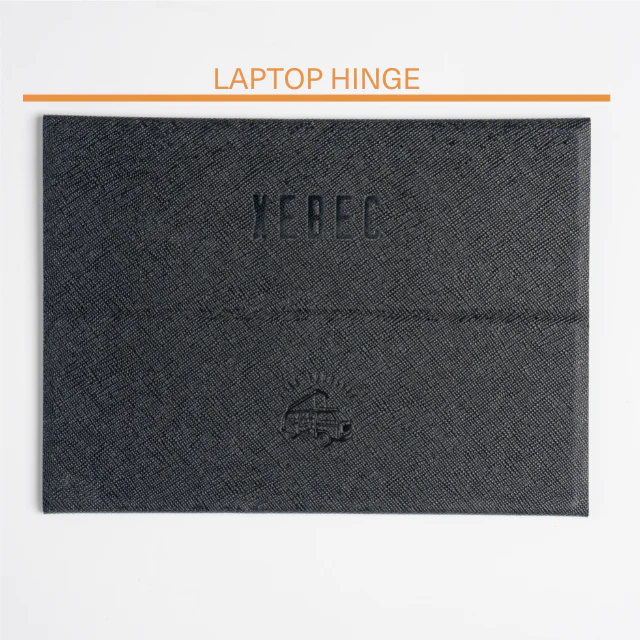
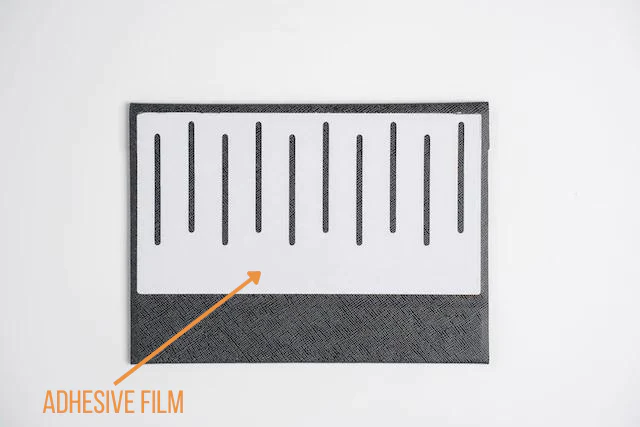
1. Turn The AirStand over and remove the film to reveal the adhesive.
2. Turn your laptop upside-down and attach The AirStand to the bottom of your laptop closest to the hinge. You will want to have the Xebec logos facing towards you.